Managing Publish Profiles
Publish profiles are used to define the target platforms and configurations for the application distribution. You can create multiple publish profiles for different target platforms and configurations and select the relevant publish profile for each build profile.
Rename Publish Profile
Appcircle allows previously created Publish profiles to be renamed.
To do this, click on the three dots at the top right of the relevant publish profile in the profiles list and select Rename.
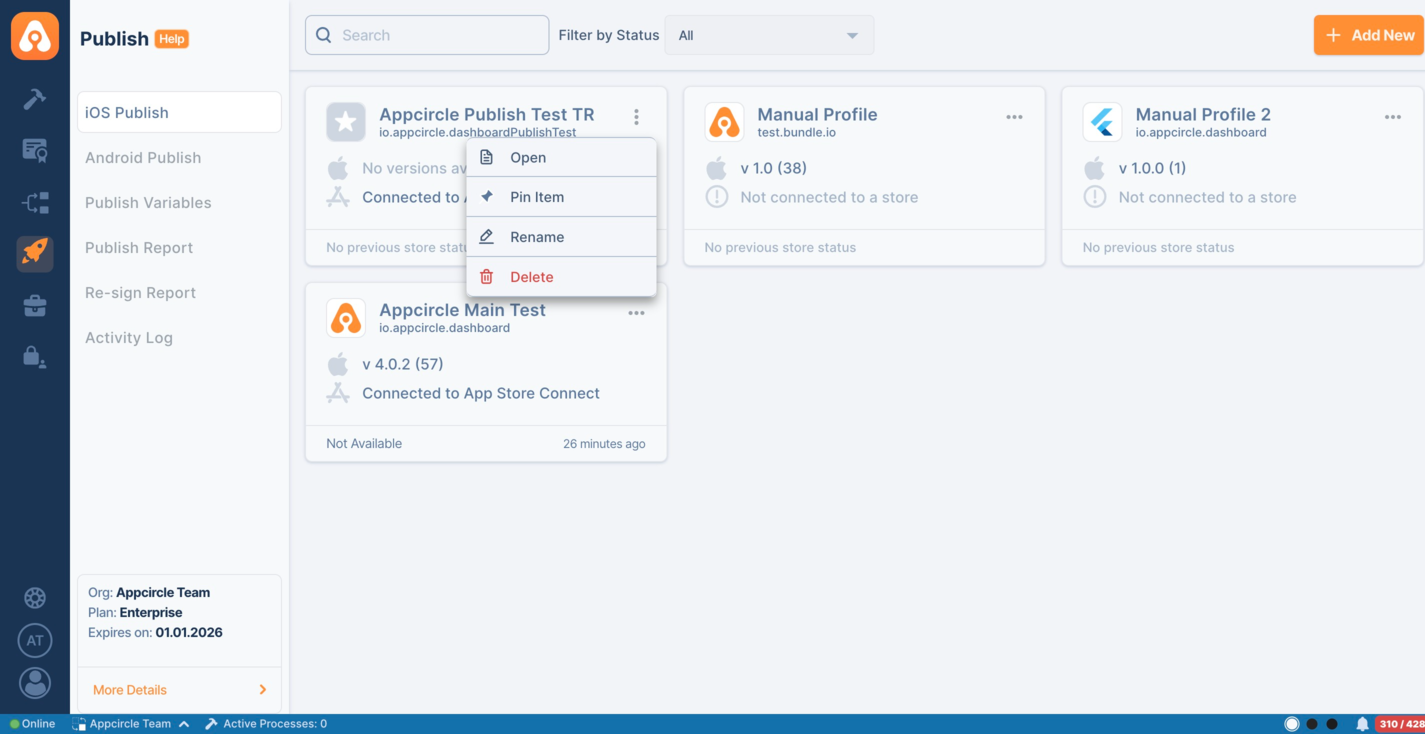
Publish profile names must be unique for both iOS and Android.
For example, if you have a Publish profile named My Great App for iOS Publish, Appcircle will not allow you to create a profile named My Great App again for Android Publish or iOS Publish.
Also, you cannot rename a Publish profile to an existing name on the same platform.
Delete Publish Profile
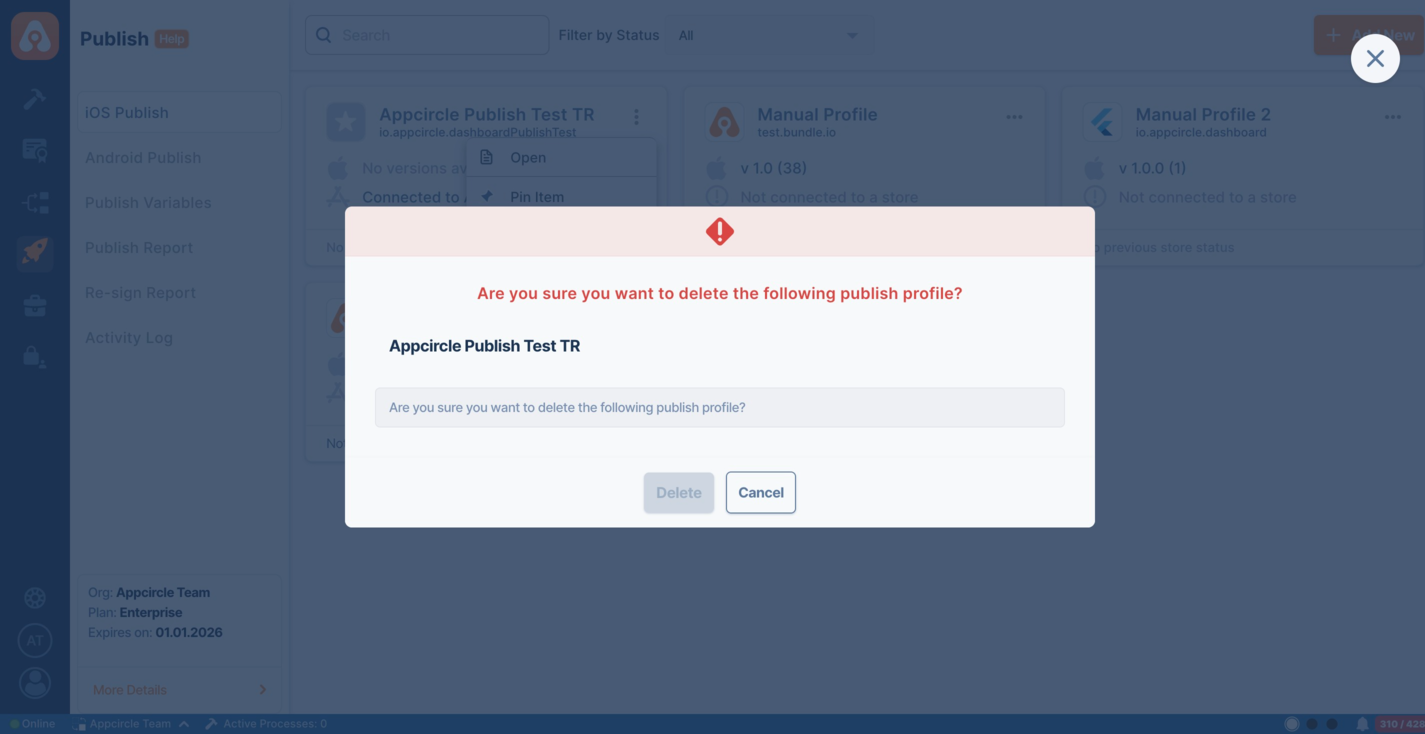
To delete the Publish profile, click on the three dots at the top right of the relevant Publish profile in the profiles list and select Delete.
Appcircle does not delete the application that has been submitted to the stores.
By deleting the Publish profile, all the application versions and Publish action logs related to that publish profile will be removed on the Appcircle side.
Profile Listing
You can switch between Board View and List View using the view selector located at the top right of the page. Both views display the same publish profiles, allowing you to choose the layout that best fits their workflow.
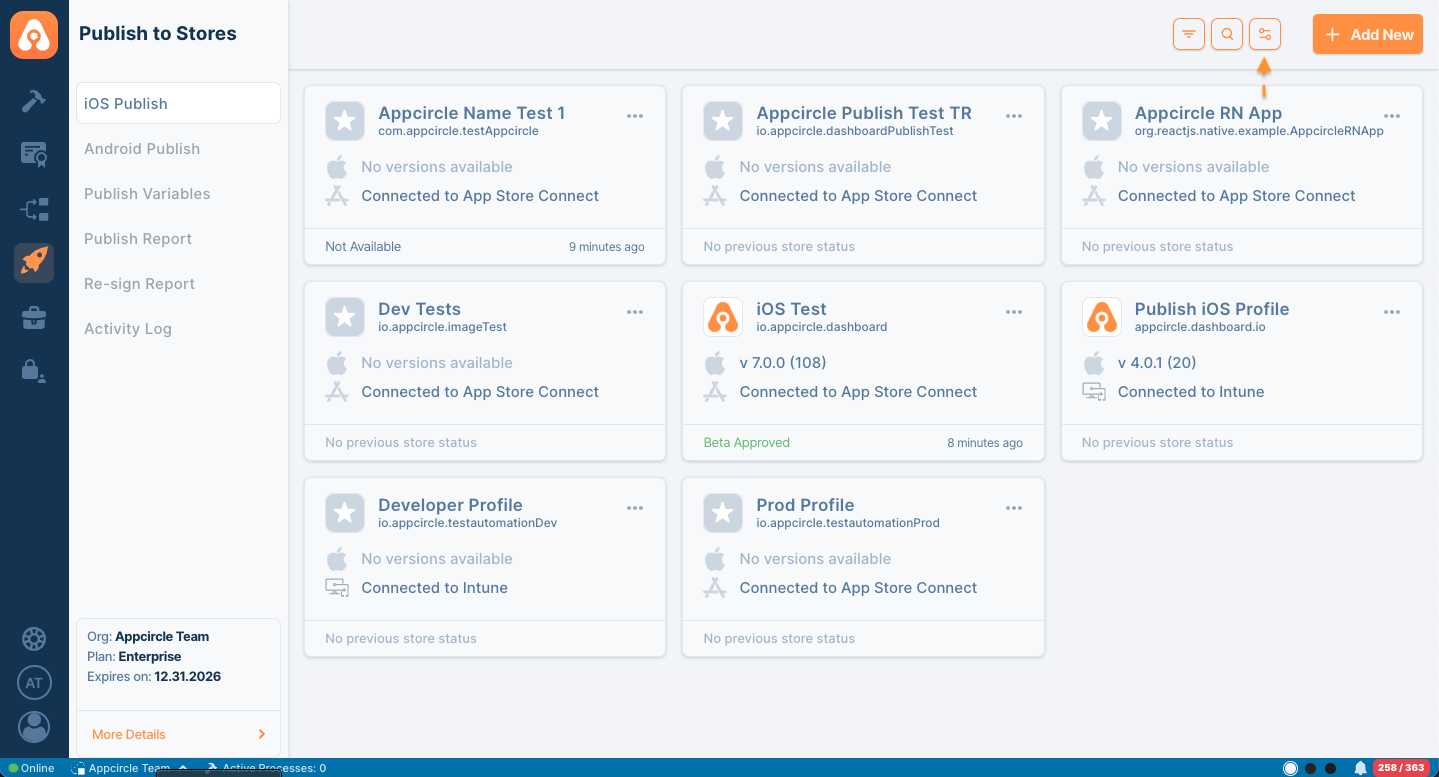
- Profile Board View
- Profile List View
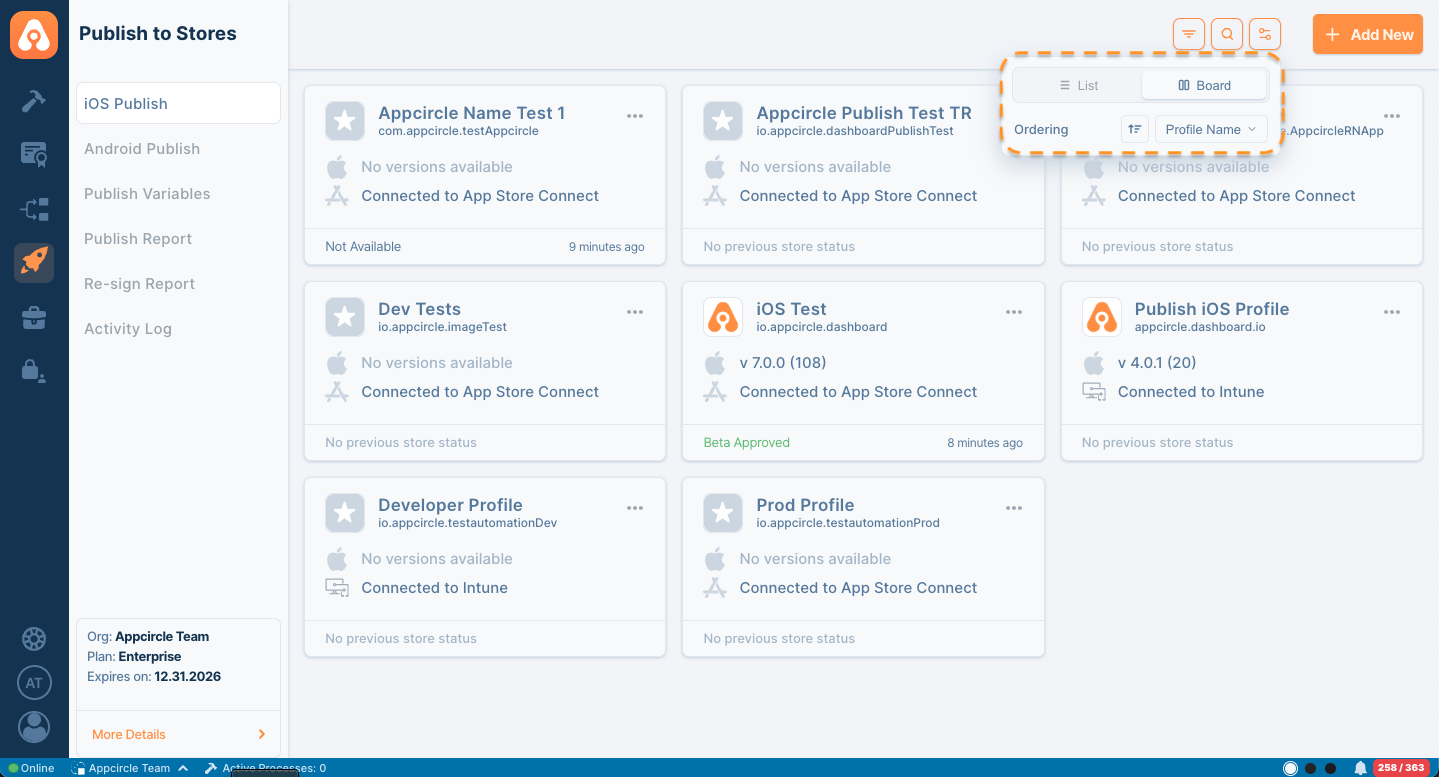
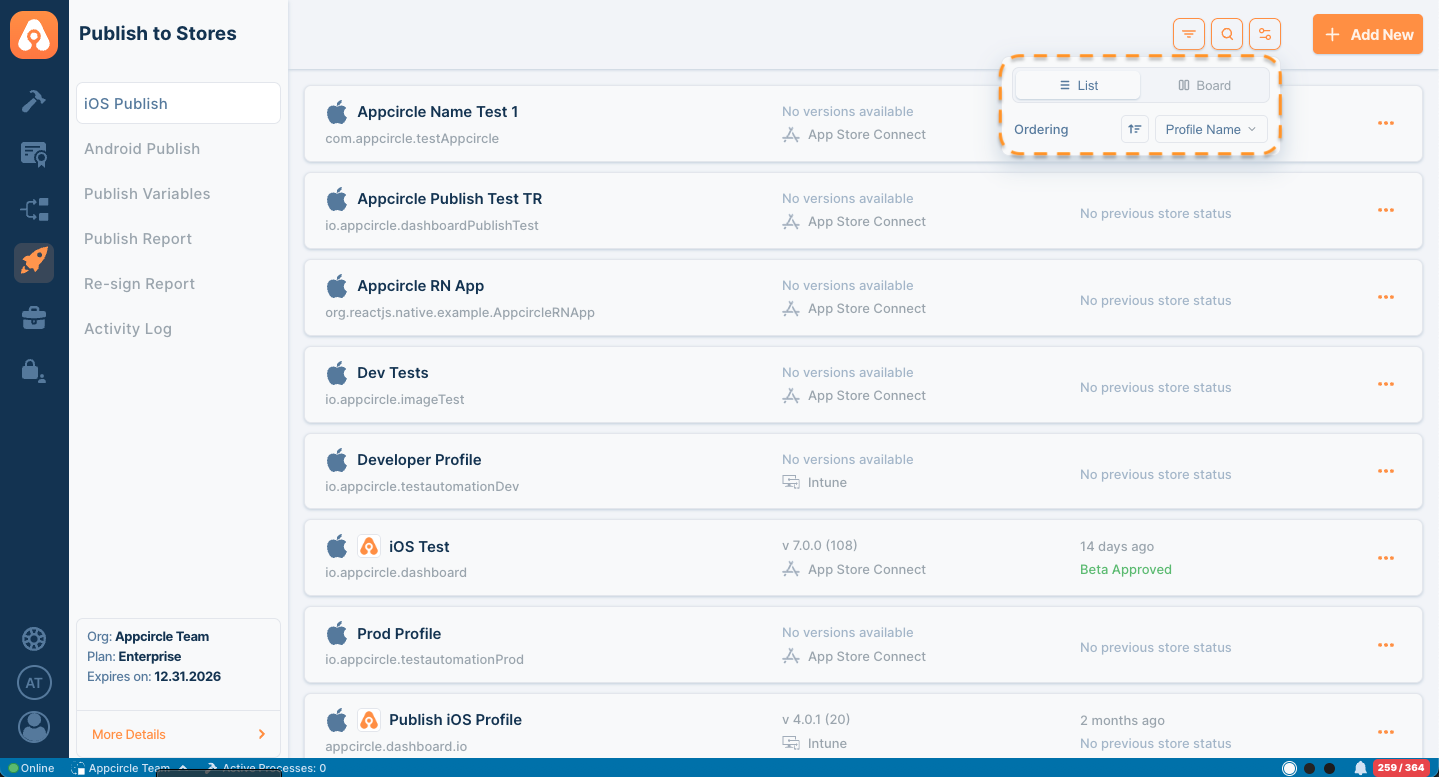
In addition to view options, the profile list provides search, filtering, and ordering capabilities to help users quickly locate specific publish profiles.
Search Profiles
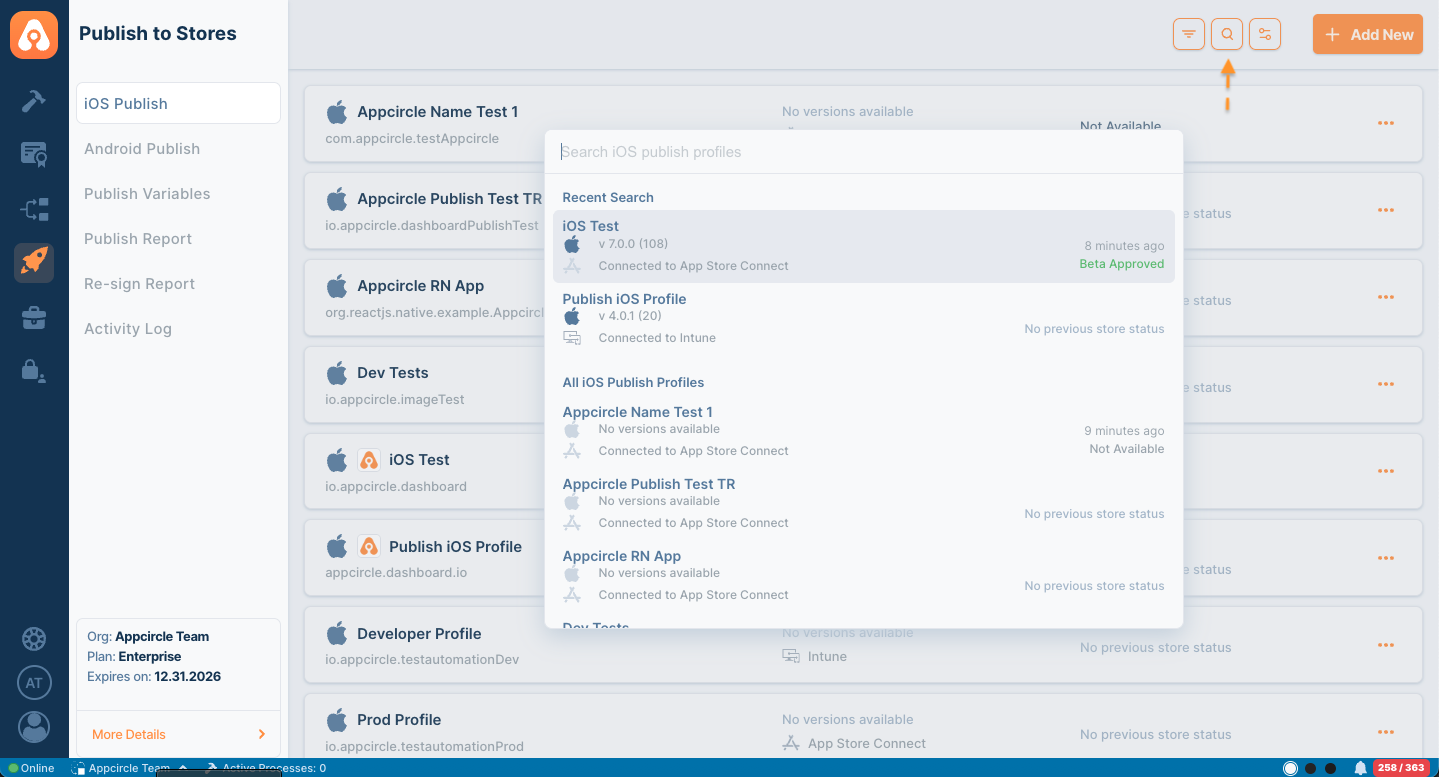
Click the Search icon in the top right corner to open the profile search dialog. You can search for publish profiles by name and quickly navigate to the desired profile from the search results. It will also bring your recent search results.
Filter Profiles
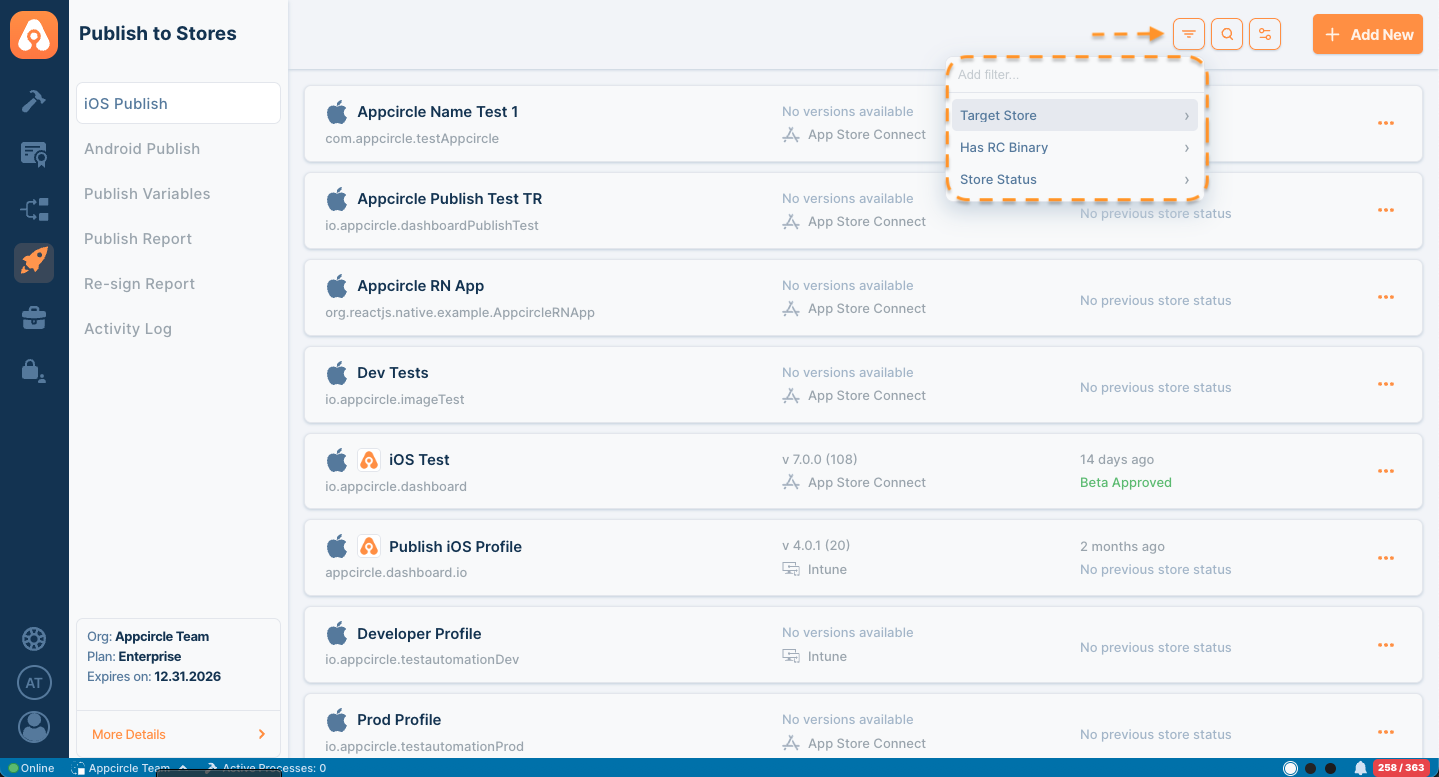
Use the Filter button to narrow down the profile list based on available criteria. Profiles can be filtered by:
- Target Store
- Has RC Binary
- Store Status
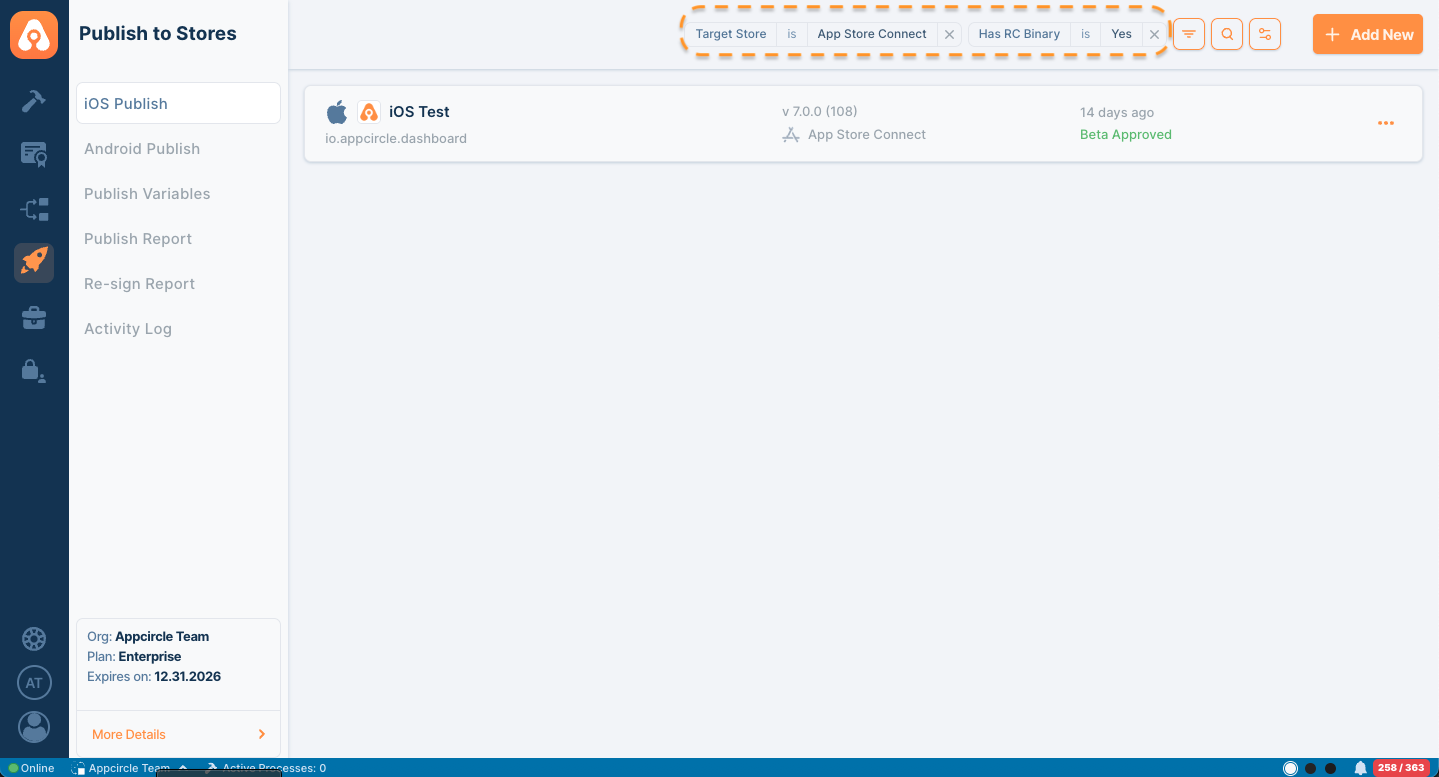
Applied filters are displayed at the top of the page and can be removed individually when no longer needed.
Sort and Order Profiles
The profile list can also be organized using the available ordering options. Users can change the sorting direction and select different ordering criteria, such as Profile Name, to customize how profiles are displayed.